Marketing App
Through out the course of 3 months, I developed a Marketing Analytics Tool for my senior project. It is An interactive web app that allows small business owners to upload campaign data and receive automated insights on ROI, customer segments, and channel performance.
App Development
Data Analytics
Role
Product Developer
Timeline
3 months
team
Solo Work
platform
Web
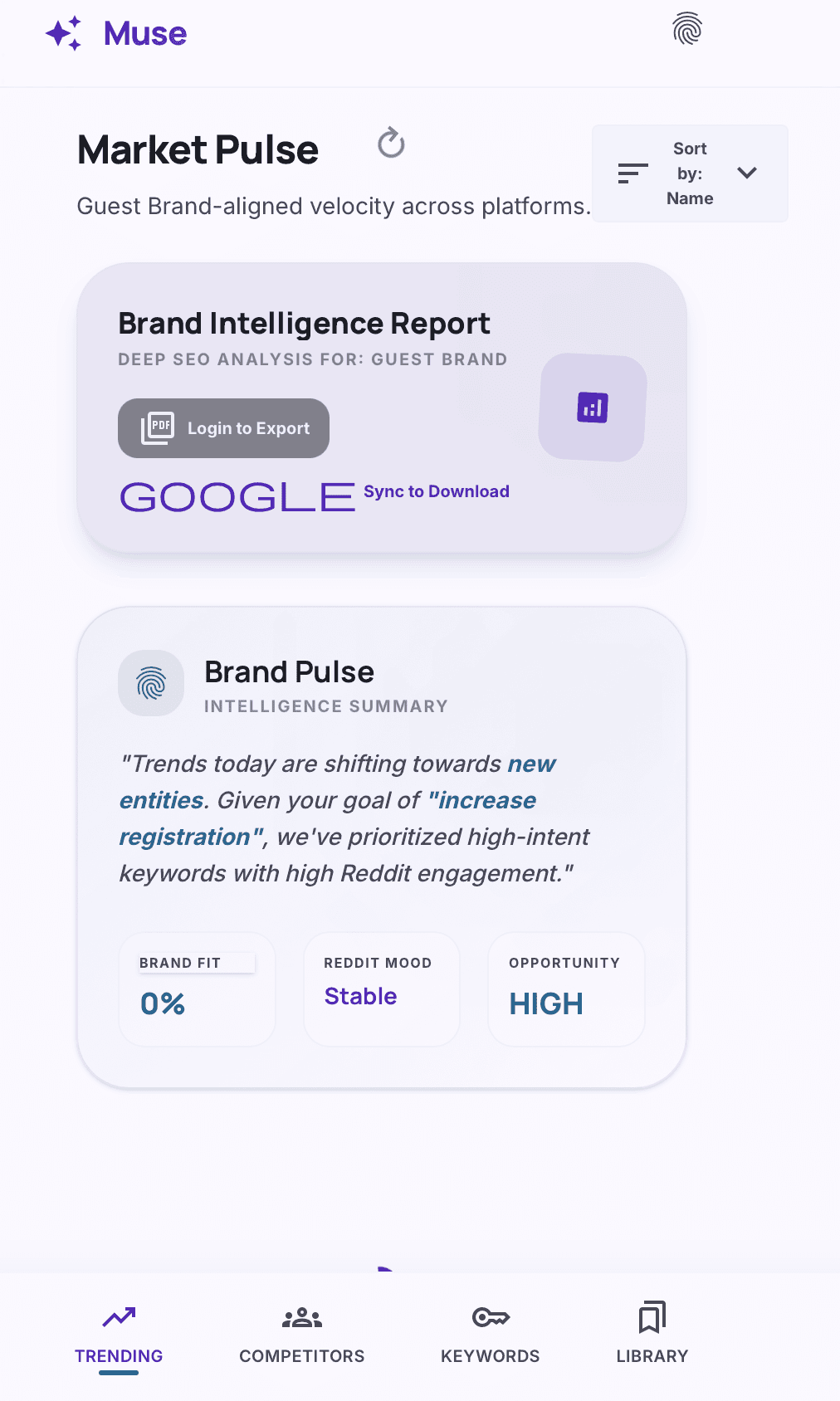
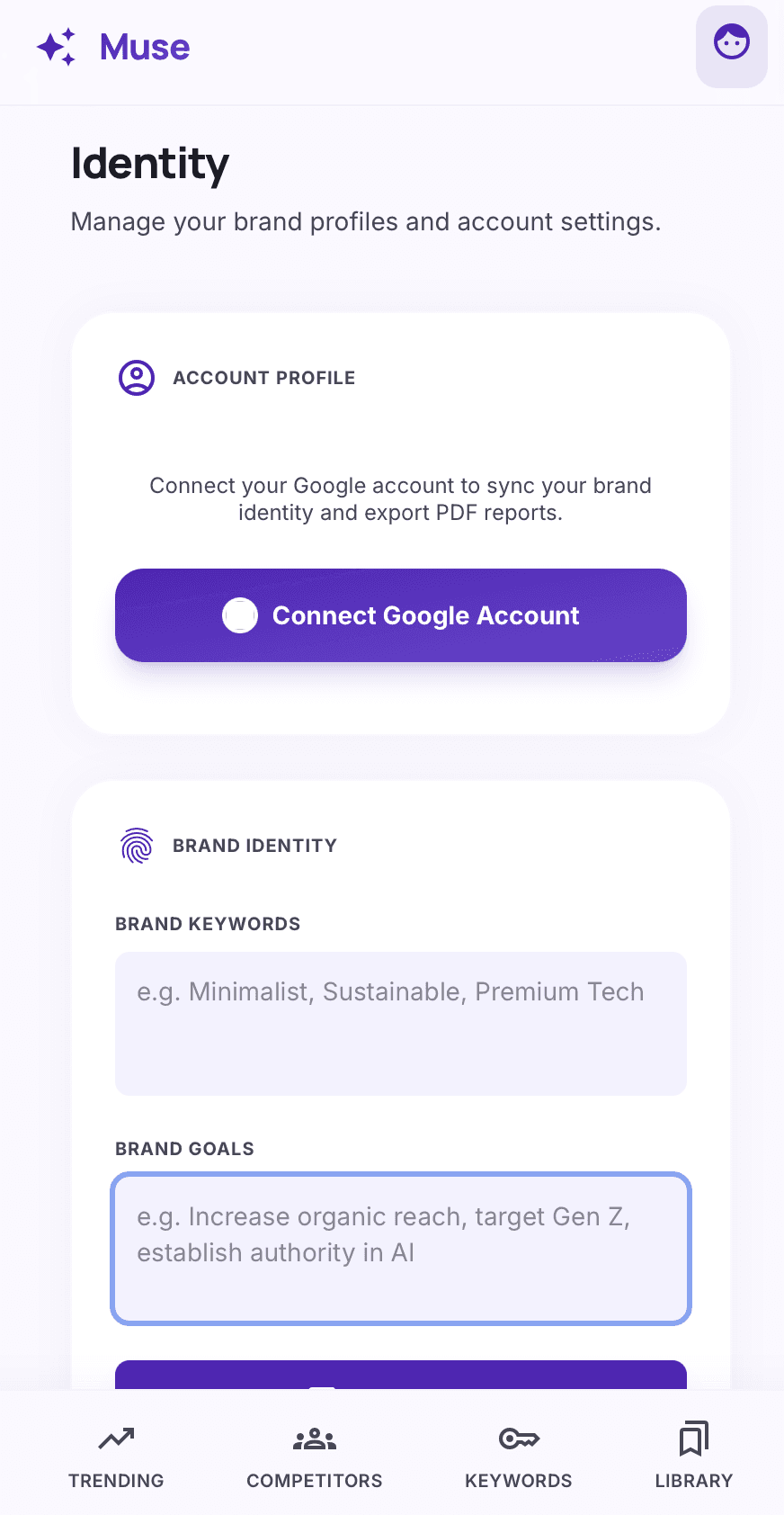
App Link: https://muse-1015838281505.us-central1.run.app
✓ Engineered a real-time keyword intelligence platform enabling users to input brand context and receive live search and trending insights across platforms
✓ Architected the core application architecture on Google Cloud Run, ensuring scalable, serverless deployment for responsive market analysis
✓ Integrated multi-platform data aggregation for comprehensive cross-channel keyword performance tracking
✓ Designed an intuitive user interface that presents complex search metrics in an accessible dashboard format
✓ Built functionality for users to manage brand-specific contexts, delivering personalized keyword recommendations tailored to individual business identities
✓ Implemented real-time data refresh capabilities, providing up-to-the-minute market intelligence for agile decision-making
✓ Optimized application performance and load times to handle large-scale data processing efficiently
✓ Developed a secure authentication system to protect user brand data and proprietary insights
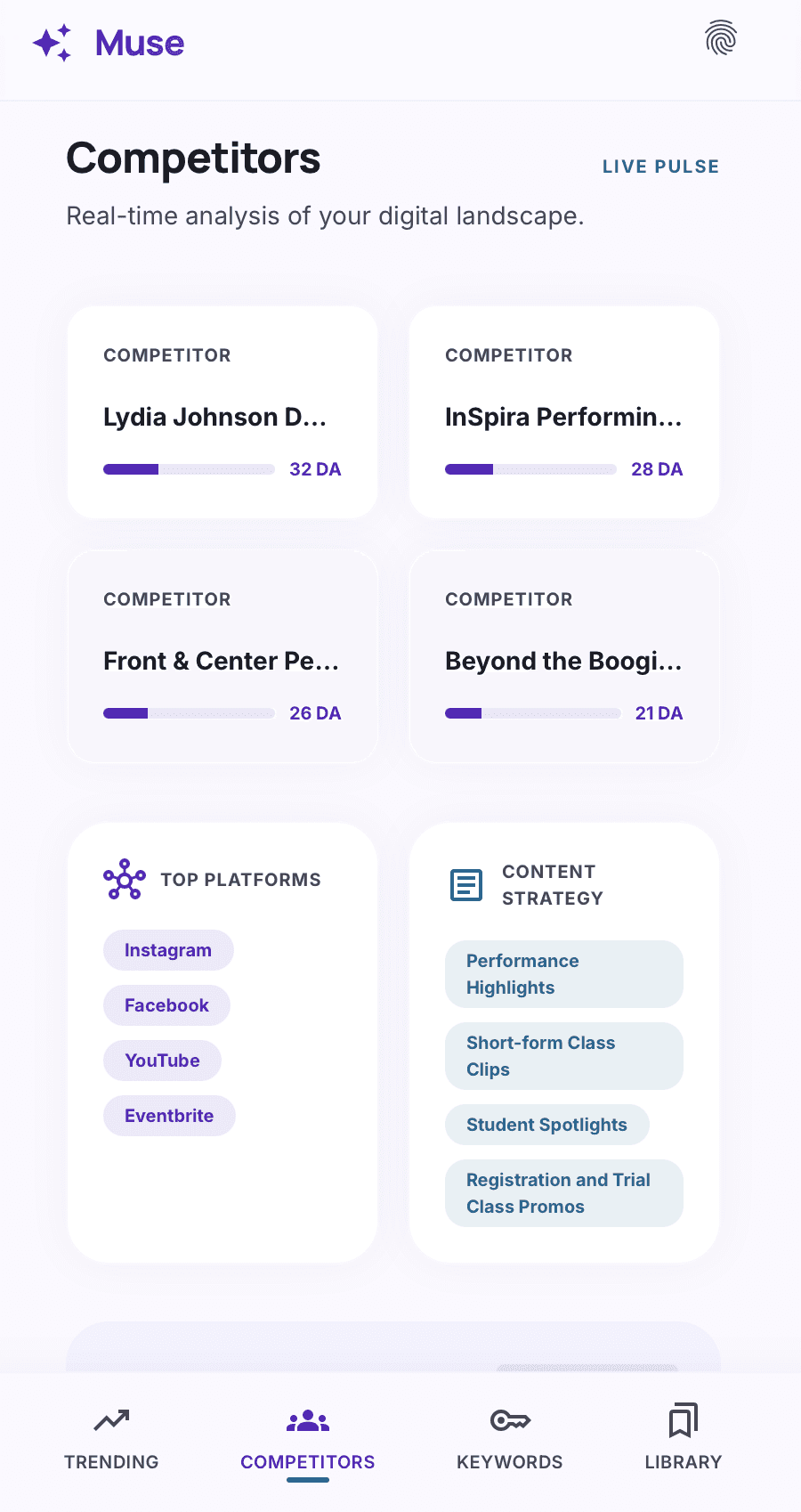
Competitor Page
User input: The user can manually enter a competitor’s name or website.
AI enrichment (Google Gemini): The app sends a prompt like: “For the company [competitor name], list up to 5 platforms they likely use (e.g., Instagram, YouTube, LinkedIn) and give one example content type per platform (e.g., ‘Instagram Reels – behind the scenes’). Return as JSON.” The AI returns a structured list.
Optional saved data: Users can also store known competitors and update them over time.
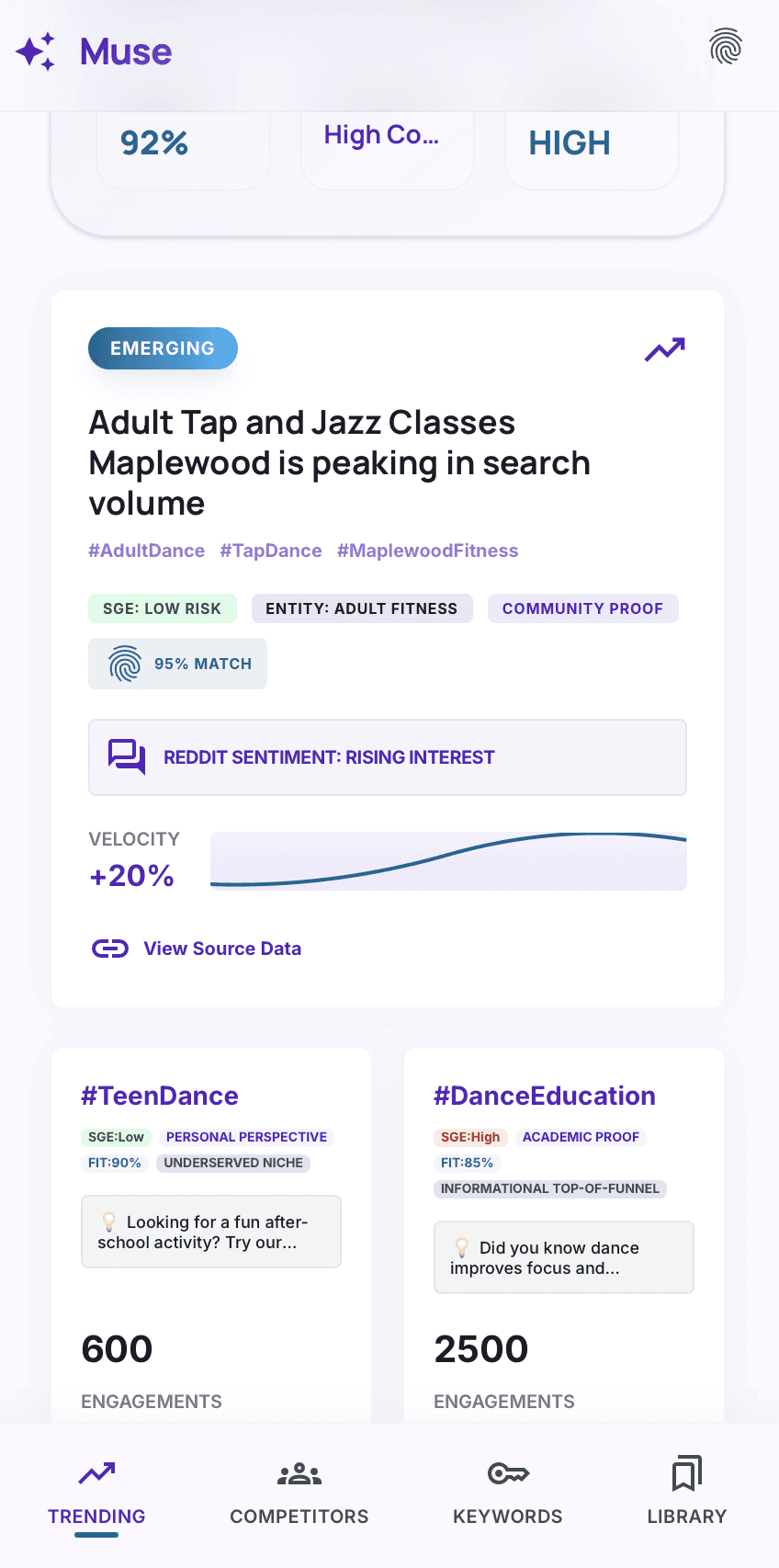
Trending Page
The Trending tab retrieves real-time popular hashtags and discussion topics from relevant subreddits (e.g., r/marketing, r/socialmedia, r/Entrepreneur). This gives users immediate insight into what their target audience is currently talking about.
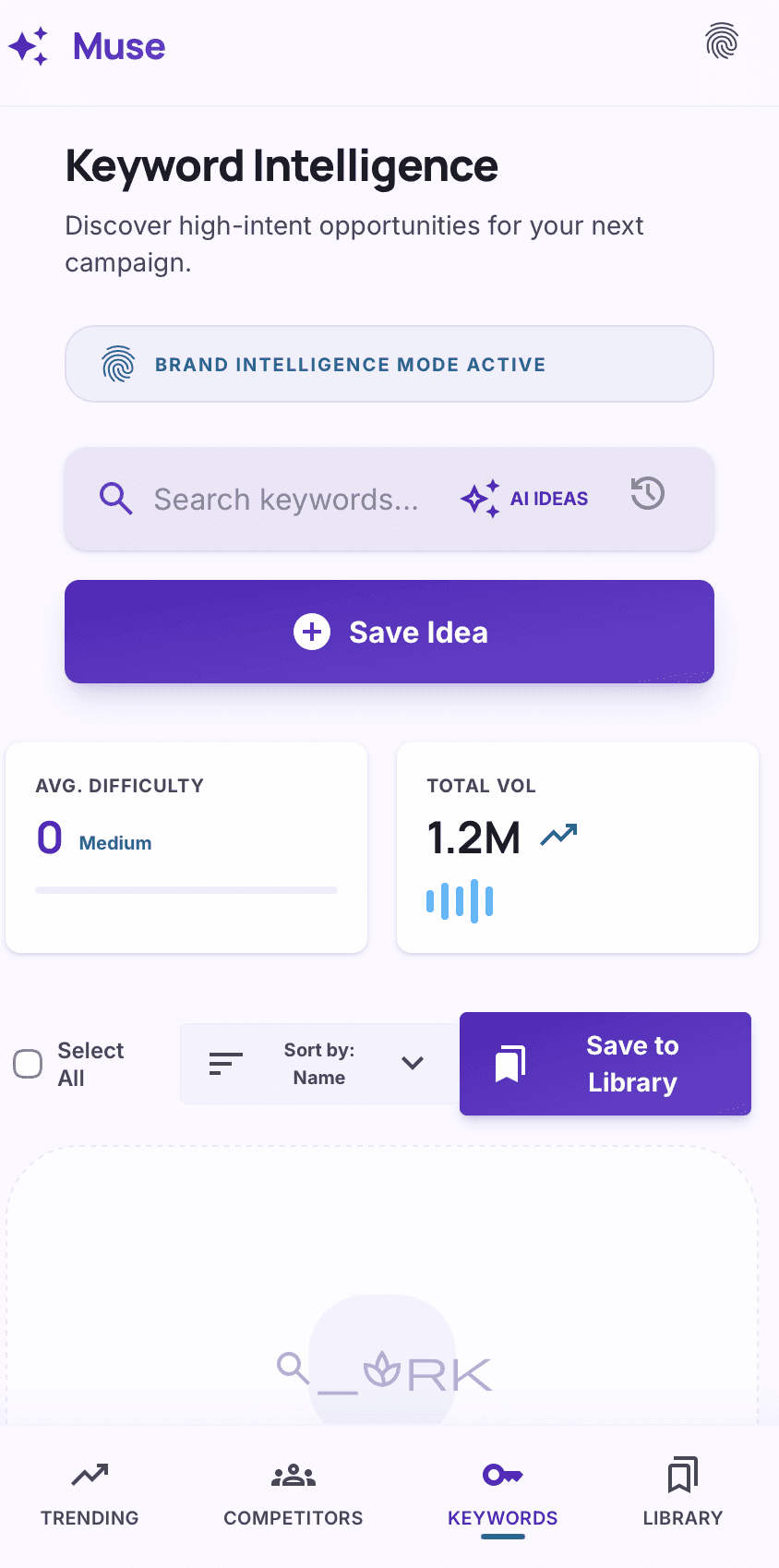
Keyword Page
This tab serves two purposes: (1) researching new SEO keywords based on a seed topic, and (2) saving, organizing, and exporting all previously saved items (ideas from Trending, competitors, and keywords). It is the central “memory” of the app.
How it works – Keyword Research:
The user enters a seed topic (e.g., “sustainable packaging”). The app calls the Google Gemini API with a prompt: *“Generate 15 related long‑tail keywords and 5 common ‘what/why/how’ questions for the topic ‘sustainable packaging.’ Return as JSON.”* The AI returns a list.
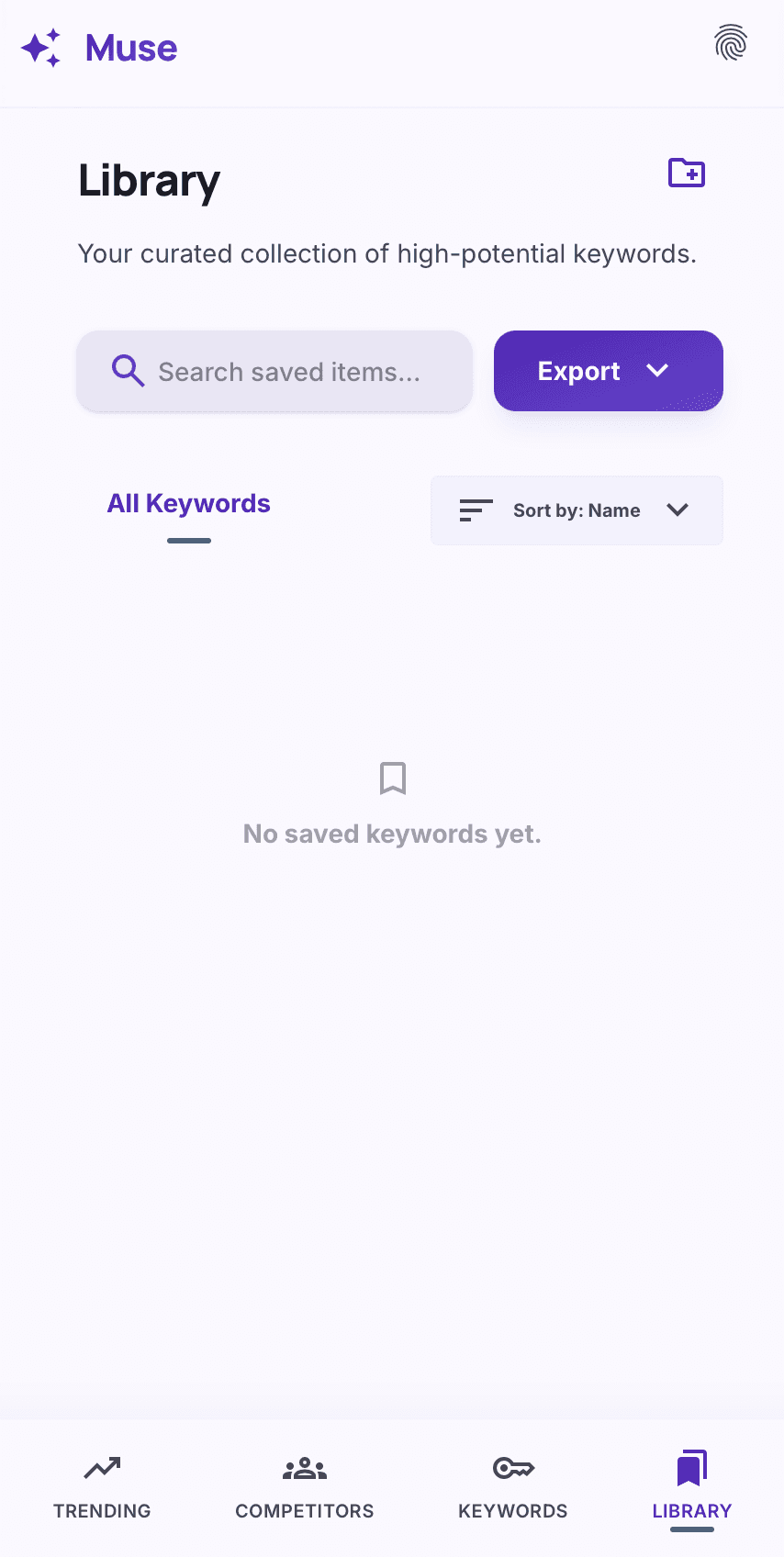
Library
Connecting with Keyword Page. Every time the user clicks “Save Idea” in the Trending tab or “Save Competitor” in the Competitor tab, those items are automatically added to the library. The library is stored in the browser’s localStorage (so data persists between sessions). Users can also manually add custom